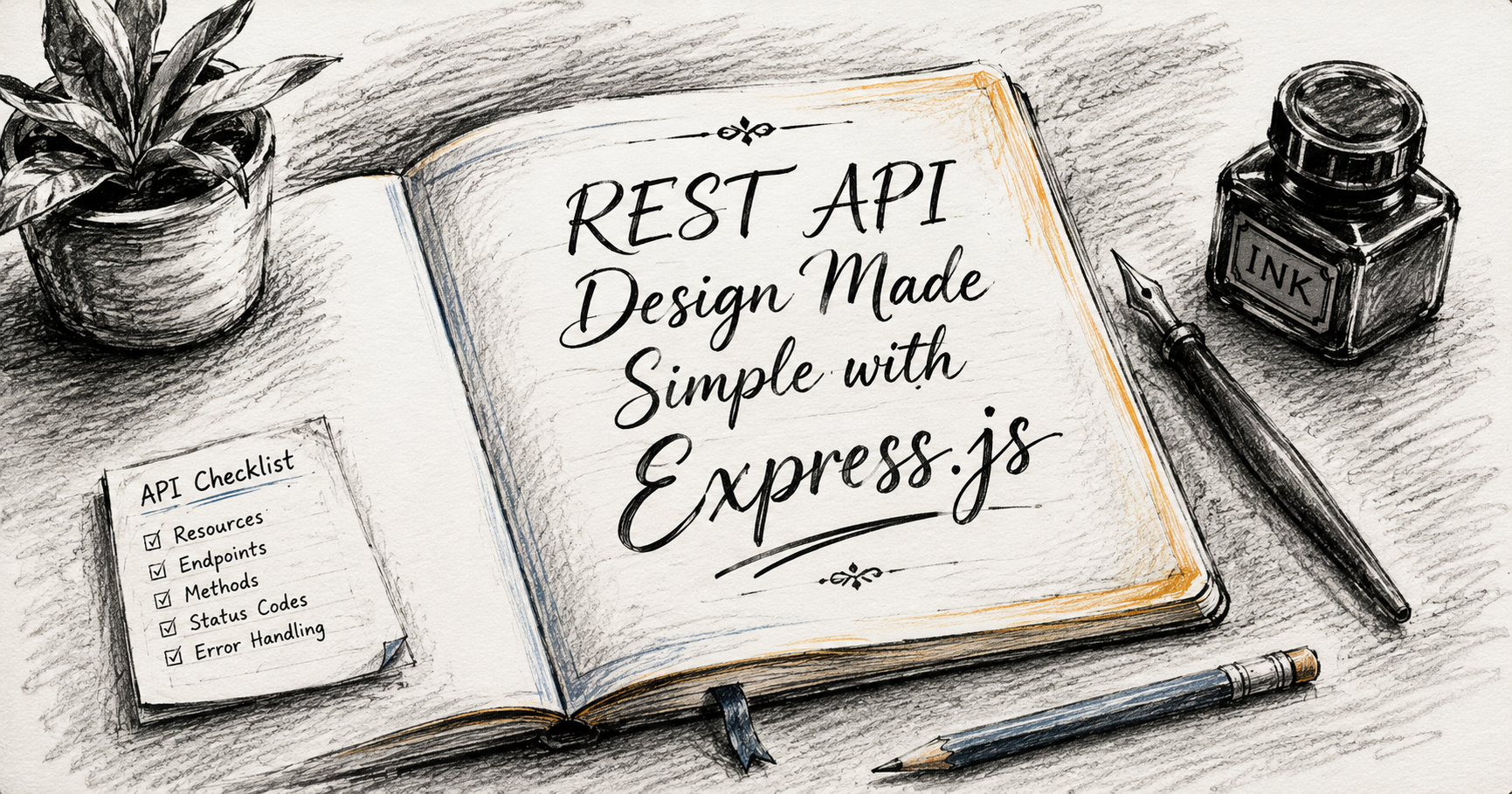
Introduction
If you are here i am assuming you must have some knowledge about Express.js and how it works.
When building modern web applications, apps need a way to talk to servers. Whether you are scrolling through a social media feed on your phone or updating your profile on a desktop, a hidden conversation is happening in the background.
Most of the time, this conversation is powered by a REST API.
If you are diving into backend development with Node.js and Express.js, mastering REST API design is one of the most valuable skills you can acquire. Let’s demystify what REST actually means, look at how resources work, and build a clean API structure using Express.js....
What is a REST API ?
An API (Application Programming Interface) is simply a bridge that allows two software programs to communicate. Think of it like a waiter in a restaurant: you (the client) look at the menu and place an order, the waiter takes it to the kitchen (the server), and then brings the food back to your table.
REST stands for Representational State Transfer. It is not a programming language or a framework;
it is an architectural style—a set of guidelines and constraints designed to make web services fast, scalable, and easy to maintain.
When an API follows these REST rules, then we call it a RESTful API. The core idea is that the client and the server remain completely independent. The client only needs to know what URL to hit and what action to perform.
So basically, if someone asks you What is REST API ? You will simply say : It is a set of rules that allows different software applications to communicate with each other over the internet using standard web protocols or guidelines
Resources in REST Architecture
In the world of REST, everything revolves around Resources. A resource is any piece of data or object that the API can manage and share.
If you are building a blogging platform, resources include
posts,comments, andusers.If you are building an e-commerce platform, resources include
products,orders, andcarts.
Instead of focus routing around actions (like /getUsers or /deleteUser), REST dictates that your URLs should target the resource itself using plural nouns (For ex: /users or /products), while the action is determined by the HTTP method used.
HTTP Methods for CRUD Operations
To interact with these resources, REST relies on standard HTTP methods. These methods map perfectly to the standard CRUD (Create, Read, Update, Delete) database operations.
Core REST API HTTP Methods
GET: Retrieves data from the server.
POST: Creates a new resource on the server.
PUT: Replaces an existing resource completely.
PATCH: Updates a resource partially.
DELETE: Removes a resource from the server.
Now let's design the routes to know how these HTTP methods map to the CRUD operations...
Designing Clean Routes
Let's put this into practice using Express.js. Suppose we are designing a system to manage a users resource. Following strict REST principles, our endpoint URLs stay incredibly clean and consistent.
Notice how we use the same base URL (/api/users) and let the HTTP verbs do the heavy lifting:
Fetch All Users (Read)
Method:
GETRoute:
/api/usersExpress Snippet:
app.get('/api/users', (req, res) => {
    // Logic to fetch all users from a database
    res.status(200).json({ success: true, data: usersList });
});
Fetch a Single User (Read)
Method:
GETRoute:
/api/users/:id(where:idis a dynamic URL parameter to get a particular user)Express Snippet:
app.get('/api/users/:id', (req, res) => {
    const userId = req.params.id;
    // Logic to find a user by their ID
    res.status(200).json({ success: true, data: specificUser });
});
Create a New User (Create)
Method:
POSTRoute:
/api/usersExpress Snippet:
app.post('/api/users', (req, res) => {
    const newUser = req.body;
    // Logic to save the new user data
    res.status(201).json({ success: true, data: newUser });
});
Update an Existing User (Update)
Method:
PUTRoute:
/api/users/:idExpress Snippet:
app.put('/api/users/:id', (req, res) => {
    const userId = req.params.id;
    const updatedData = req.body;
    // Logic to find and overwrite the user's data
    res.status(200).json({ success: true, data: updatedData });
});
Remove a User (Delete)
Method:
DELETERoute:
/api/users/:idExpress Snippet:
app.delete('/api/users/:id', (req, res) => {
    const userId = req.params.id;
    // Logic to remove the user record
    res.status(200).json({ success: true, message: `User ${userId} deleted.` });
});
HTTP Status Codes
A great REST API doesn't just return data; it explicitly tells the client the result of the request using HTTP Status Codes. Think of these as universal status signals.
When building out your Express routes, always pair your responses with the appropriate status code:
200 OK: The request succeeded perfectly (Ideal forGET,PUT, andDELETE).201 Created: The request succeeded and a new resource was successfully generated (Ideal forPOST).400 Bad Request: The server couldn't understand the request due to invalid client syntax (e.g., missing a required form field).404 Not Found: The requested resource does not exist on the server (e.g., trying to fetch a user ID that was never registered).500 Internal Server Error: Something broke on the server side (e.g., the database crashed).
Some basic key points to keep in mind during creating API routes
Keep it Noun-Based: Use
/api/products, never/api/getAllProducts.Stick to Plurals: Use
/api/usersinstead of/api/user.Use HTTP Verbs Explicitly: Let
GET,POST,PUT, andDELETEindicate the action.Leverage Status Codes: Always send back accurate
200,201,400, or404indicators so the client-side app can handle errors gracefully.
By separating your resources cleanly and writing semantic Express routes, you ensure your backend architecture remains intuitive, scalable, and a total breeze for other frontend developers to integrate with!